.png)
Are you ready to get started with Affinity Publisher without the overwhelm?
It's your time to end overwhelm, reduce your frustration, and get rid of the tech anxiety using Affinity Publisher.
Step-By-Step Videos
👉No more tech anxiety—just excitement to create and experiment.
👉Less frustration—now you have a clear, step-by-step plan.
👉No more overwhelm—Affinity Publisher finally makes sense.
👉No more tech anxiety—just excitement to create and experiment.
👉Less frustration—now you have a clear, step-by-step plan.
👉No more overwhelm—Affinity Publisher finally makes sense.
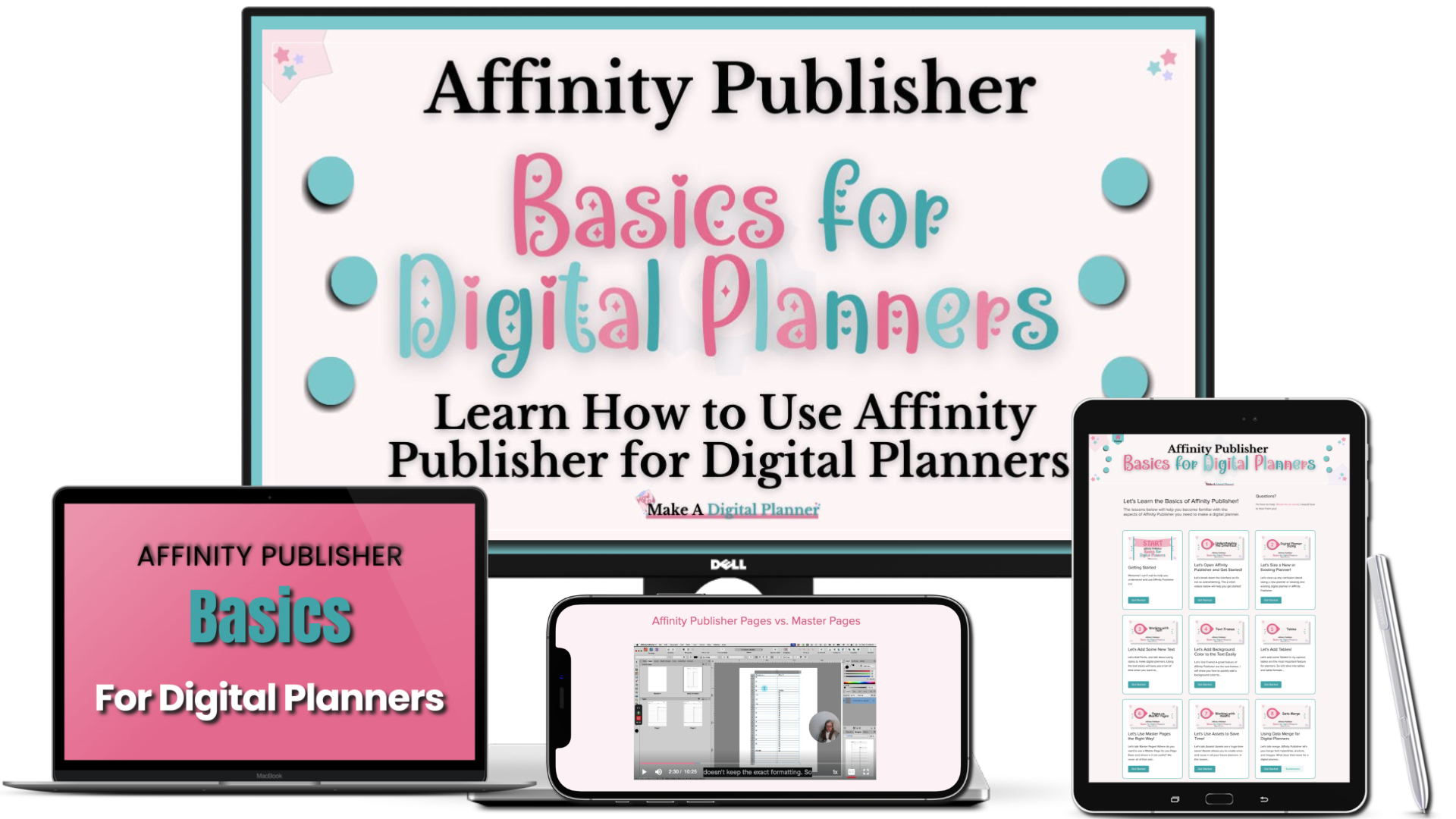
.png)
What You'll Learn
👉Understand the Interface
👉How to size, format, and set up your planner
👉Working with textUsing Text Frames
👉All about Tables
👉Pages vs Master Pages
👉Working with Assets
👉Introduction to Color Palettes
👉Introduction to Hyperlinks
👉Introduction to Anchors
👉Hyperlinks, Anchors, and Clickable Tabs in Affinity Publisher
👉Understanding Data Merge for Planners
👉Best Practices for Exporting & File Compression (coming soon)
Starts at the Beginning
Instant access + easy-to-follow videos. No fluff—just what you need to start! 👉No experience required.
The videos walk through each aspect of Affinity Publisher that you need to make planners and start setting up data merge.


Your order information is safe and your order is secure. You will receive an email confirmation upon successful payment with next steps.